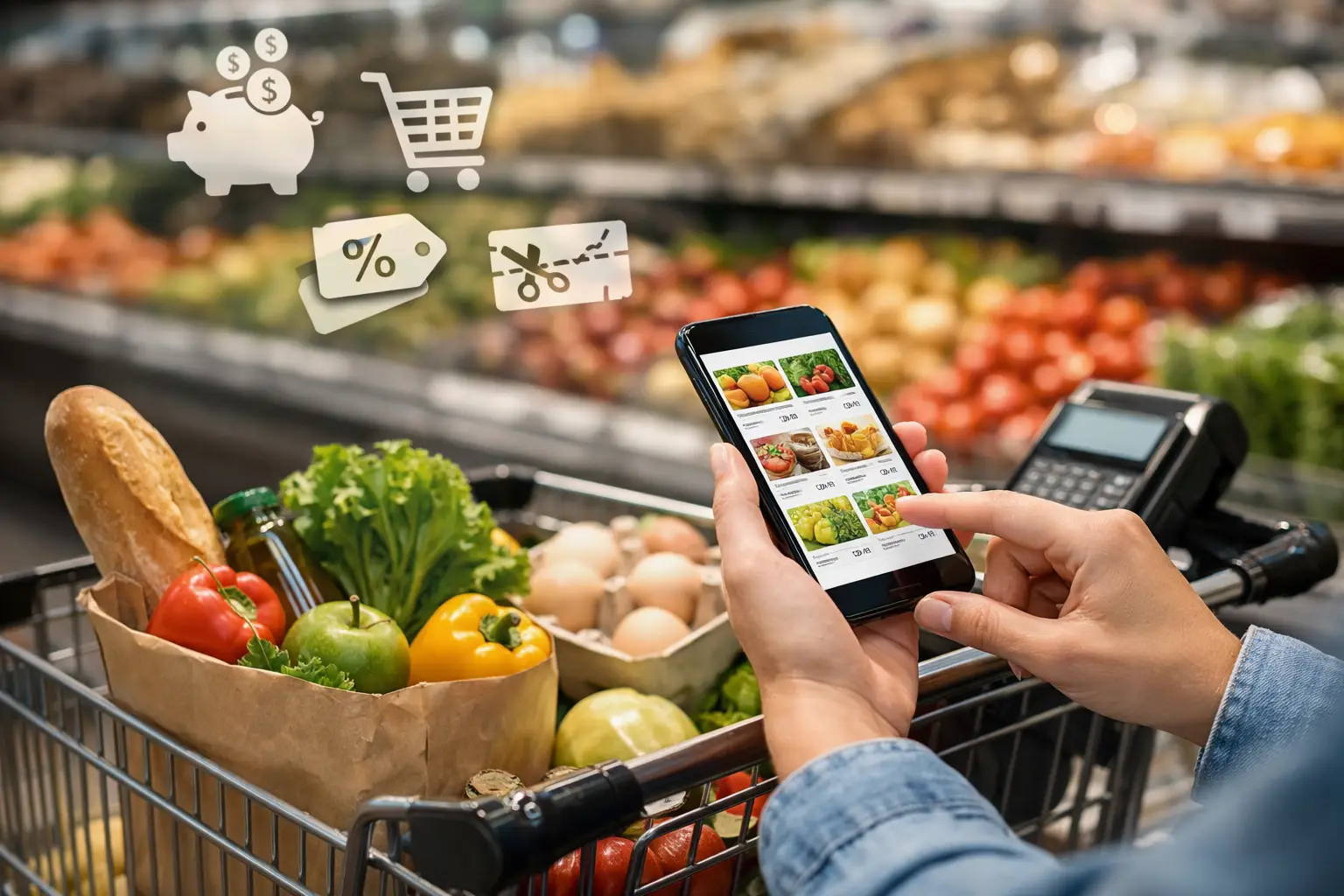
That grocery cart total can get dramatic fast: a few snacks, dinner ingredients, coffee, and suddenly the register is asking for far more than expected. The good news is that you can save money with grocery apps without turning Sunday night into a coupon-clipping marathon. The best strategy is simple: use the apps that match where and how you already shop, then let the deals shape a few smart choices.
How to Save Money With Grocery Apps Without Buying More
Grocery apps are at their best when they make your usual list cheaper, not when they convince you to buy six boxes of crackers you never planned to eat. Before scrolling through offers, write a short list of what you actually need for the week. Then check apps for deals that fit it.
That one habit helps separate a real deal from a very convincing digital distraction. A $2 coupon on something you would have bought anyway is savings. A buy-one-get-one offer on a pricey treat that ends up forgotten in the pantry is just a larger cart.
Start with your favorite store’s app
If you consistently shop at one or two grocery chains, their own apps should be your first stop. Many offer app-only prices, digital coupons, personalized promotions, weekly ads, and rewards that do not appear on the shelf tag. In some stores, clipping a coupon in the app is as easy as tapping a button before checkout.
Look for a few deal types in particular: discounts on staples you buy regularly, store-brand offers, and promotions tied to fresh produce, meat, or household basics. Personalized offers can be surprisingly useful because they often reflect past purchases. Still, check the size, brand, and expiration date. An offer may apply only to a larger package or a specific flavor.
Let the weekly ad choose a few meals
This is where grocery apps can make meal planning feel less like homework. Open the weekly ad before making your list and see what proteins, produce, and pantry items are featured. If chicken thighs, pasta sauce, and bagged salad are all on promotion, that is a weeknight dinner plan waiting to happen.
You do not need to build every meal around the sale circular. Choose two or three flexible dinners, then fill in the rest with what your household already loves. Taco night, sheet-pan meals, grain bowls, soups, and pasta are especially easy to adapt around what’s discounted.
Stack Digital Coupons and Cash-Back Offers
Retailer apps and cash-back apps can sometimes work together, which is where a routine purchase can become a genuinely satisfying score. A store coupon may lower the price at checkout, while a separate cash-back app gives you a rebate after you scan the receipt.
The catch is that every app has its own rules. Some rebates cannot be combined with other coupons, while others are perfectly fine with a store discount. Read the offer details before assuming a stack will work. Also check whether the rebate is for one item, a certain quantity, or a minimum purchase amount.
Cash-back apps are often most worthwhile for products you already use, especially coffee, cereal, yogurt, frozen foods, cleaning supplies, and occasional brand-name splurges. They can be less exciting for a list built mostly around fresh, unbranded ingredients, though some apps do feature produce bonuses and general receipt rewards.
Do a quick price check before you tap “add”
An app coupon is not automatically the lowest price. Compare the final price with a similar store-brand option and look at the unit price when possible. A large package may seem like the better bargain, but it only is if you will use it before it goes stale, wilted, or freezer-burned.
This matters most with snack multipacks, bulk produce, and trendy limited-edition food drops. That bright new flavor may be fun to try, but a deal is only a deal if it fits your budget and your appetite. Give yourself a small “try something new” amount each week if food discovery is part of the joy of grocery shopping.
Use Pickup to Make the Cart Less Tempting
Grocery pickup can be a budget tool disguised as a convenience feature. When you build a cart from your phone, you can see the running total, delete a random add-on, and compare alternatives without standing beside a display of seasonal candy.
Pickup also creates a useful pause. Add items to your cart, walk away for 20 minutes, and return before placing the order. You may spot duplicates, unnecessary extras, or ingredients you already have at home.
There are trade-offs. Pickup orders can come with service fees, minimum purchase requirements, substitutions, and occasional price differences compared with in-store shopping. Delivery can be even more convenient, but fees and tips can quickly erase coupon savings. If your goal is the lowest possible total, pickup is usually the sweeter spot, especially when the retailer offers a free pickup threshold.
Turn on alerts, but keep them under control
App notifications can alert you to reward expiration dates, weekend promotions, and short-term digital deals. They can also become noisy enough to make every snack offer look essential. Keep alerts for your favorite one or two stores and turn off the rest.
A good rule is to check for offers once before your main shop and once near the end of the week, when some chains run fresh promotions or clearance deals. You do not need to chase every flash sale to get value from the app.
Make Loyalty Points Work Before They Expire
Points, fuel rewards, and store cash can quietly build up, then disappear if you forget the expiration date. Check your rewards balance when you make your list, not after you have already checked out. If you are close to earning a reward threshold, it may make sense to buy a pantry staple early. If you are nowhere close, do not stretch your spending just to hit it.
Fuel points deserve a quick reality check, too. A cents-off-per-gallon reward can be valuable, especially for commuters and families with busy schedules. But it should not pull you toward a more expensive grocery store if another store has lower everyday prices on the items you buy most.
Build a tiny app routine that you will actually keep
The most effective setup is not a screen full of 12 savings apps. It is a five-minute habit that happens before you shop. Check your main retailer’s coupons and weekly ad, scan one cash-back app for matches, and review your cart total before you pay.
If a deal takes too long to understand, requires products you do not want, or sends you to three different stores, skip it. Time and convenience have value, too. The goal is a grocery strategy that feels easy enough to repeat, even during a packed week.
The next time you see a craveable new snack, a seasonal coffee creamer, or a surprise buy-one-get-one promotion in your app, give it one quick test: would you still want this at full price? If the answer is yes, enjoy the win. If not, leave room in the cart for the things that will make the whole week taste better.



Leave a Reply